
Open DCM files and DICOMDIR with nothing to install
A CBCT or CT scan in DICOM is hundreds of .dcm files (or files with no extension) and, when it comes on a CD or USB stick, a DICOMDIR that works as the index. tresD DICOM opens them in your browser, on Windows, Mac or Linux, with nothing to install and without uploading them anywhere.
Open my CBCT nowFree · nothing to install · your files never leave your computer
What a DCM file is
DCM is the extension of DICOM files, the standard format for medical imaging. Each file has a header with the study data (patient, date, scanner, pixel size, slice thickness) and the image. The .dcm extension is optional: many scanners and almost every CD store the files with no extension and short names such as IM000001. tresD DICOM recognises them by their content, with or without the extension.
A CBCT or CT scan is not one image but a volume. Depending on the scanner, it comes as hundreds of files, one per slice, or as a single file with every slice inside (multiframe DICOM). Both open the same way.
What the DICOMDIR is
The DICOMDIR is the index of a CD, DVD or USB stick with DICOM images: a file at the root of the disc that lists the studies and series and the files that hold each image. It contains no images, so opening the DICOMDIR alone is not enough: you have to open the folder that contains it.
Step by step
Have the files on your computer
If they are on a CD or USB stick, copy everything into a folder, for example on the desktop. If they are in iCloud, Dropbox, OneDrive or Google Drive, download them first: the browser cannot read what is not on the disk.
Open tresD DICOM
Go to tresddicom.com/app in Chrome, Edge, Safari or Firefox. No sign-up and nothing to install.
Choose the folder
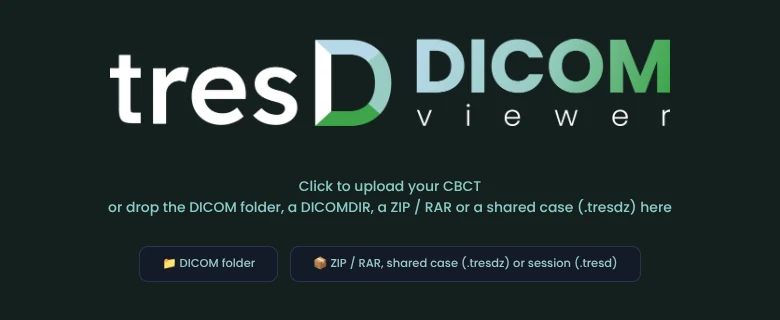
Click «DICOM folder» and choose the folder with the .dcm files or the one that contains the DICOMDIR (you can also drag it onto the window). If it was sent to you compressed, use «ZIP / RAR».
Choose the series
If the folder holds several series, the «Several series in the folder» window appears, with the one with most slices first. The slices show up while they load.
If it does not open
You see «The rest of the CD is missing»
You chose only the DICOMDIR, which is the index. Choose the whole folder that contains it.
You see «This is not the CBCT»
What you chose has no DICOM images: it is a loose file from the disc (the index, an installer, a report) or the folder of the viewer program. Choose the folder with the images.
I only have one .dcm file
If it is large (tens or hundreds of MB), it is a CBCT in a single file and opens the same way. If it is small, it is a single slice: you need the whole series, usually a folder with hundreds of files.
It is a 2D X-ray
A panoramic, a cephalogram or a periapical in DICOM is a flat image, not a volume: tresD DICOM opens CBCT and CT scans, so those open with the X-ray unit software.
The files cannot be read
It happens when they are in the cloud and not downloaded, on a CD, on a USB stick or in a network folder. Copy the folder to the desktop and open it from there.
What you can do next
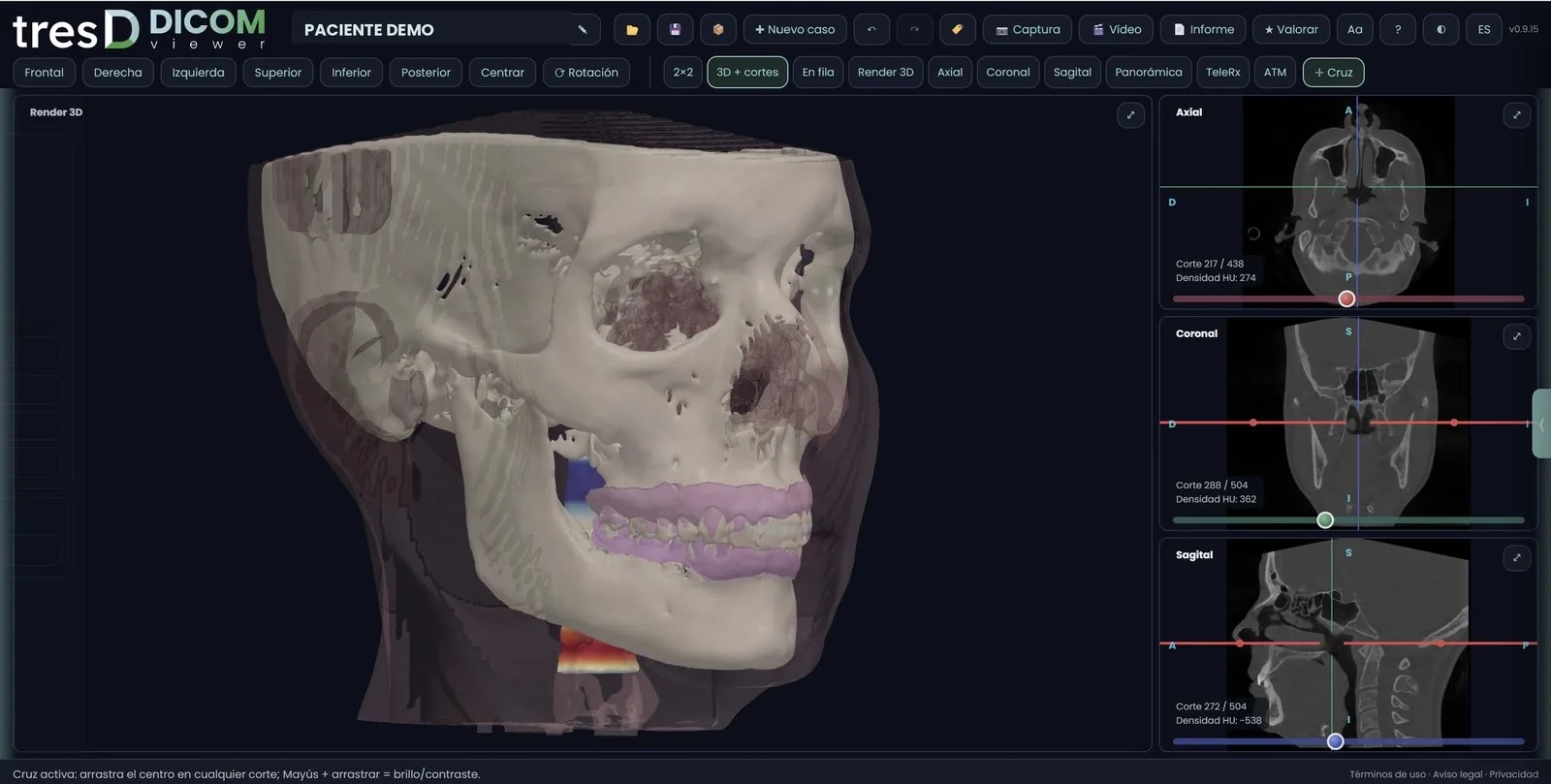
With the study open you have the axial, coronal and sagittal slices, the 3D render, indicative measurements, the panoramic, the TMJ, the airway and the DICOM to STL conversion. If the study comes from a specific scanner, its guide explains which folder to choose: guides by scanner.
Common questions
What program opens a DCM file?
A DICOM viewer. tresD DICOM is a free one that runs in the browser with nothing to install, on Windows, Mac and Linux, and opens the DCM files of a CBCT or CT scan.
Can I open a DICOM file without the .dcm extension?
Yes. Many discs store DICOM files with no extension, and tresD DICOM recognises them by their content.
What do I do with the DICOMDIR file?
Nothing on its own: it is the index of the disc. Open the folder that contains it and tresD DICOM finds the images.
Does it open compressed DICOM?
Yes: JPEG, lossless JPEG, JPEG 2000, JPEG-LS and RLE, loose, in a folder or inside a ZIP or RAR.
Are my DICOM files uploaded to the internet?
No. They are read and processed on your computer. DICOM files carry patient data in the header, which is why they never leave your machine.
Is it free?
Yes: no sign-up, no licences and no limit on studies.
Other guides
Try it with your CBCT
Free, no sign-up and nothing to install. Your files never leave your computer.
Open my CBCT now