
Open a Soredex CBCT with nothing to install
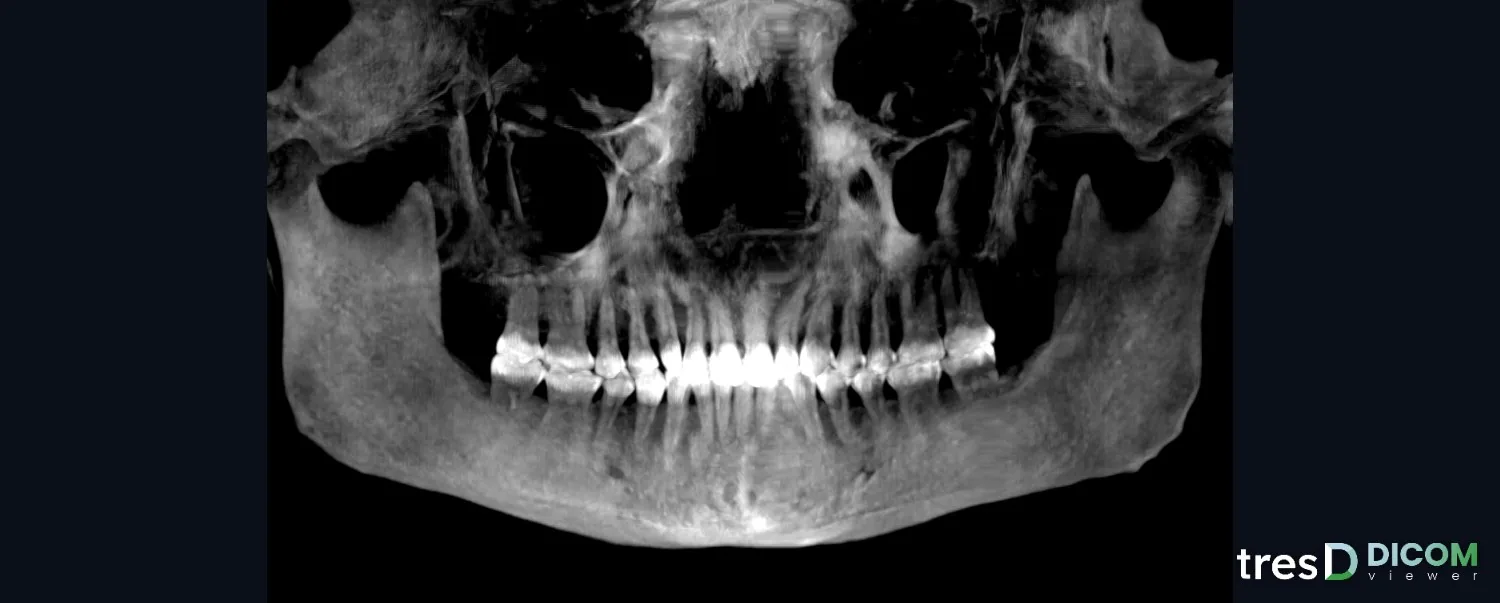
Soredex CBCTs (SCANORA 3D, SCANORA 3Dx, CRANEX 3D, CRANEX 3Dx) and Instrumentarium ones (OP300) are exported as DICOM from their software, as a single file or one file per slice. tresD DICOM opens both in your browser, also on a Mac, with nothing to install and without uploading the study anywhere.
Open my CBCT nowFree · nothing to install · your files never leave your computer
How to export
In the SCANORA software, from the patient overview:
tresD DICOM opens both. With Instrumentarium the path is similar: File → Open Image, the CBCT, Export and, under «DICOM Modality», CT. CLINIVIEW has its own 3D image DICOM export and can create a DICOMDIR to burn a disc.
Some units of the brand (such as the OP300 Maxio) come with Invivo; there it is File → Save As → Multi-file DICOM with .dcm extension, with «Uncompressed».
Step by step
Copy the folder to your computer
If you received it on a CD or USB stick, copy the whole folder, for example to the desktop. Reading straight from the CD is slow and can fail halfway through loading.
Open tresD DICOM
Go to tresddicom.com/app with Chrome, Edge, Safari or Firefox. No sign-up and nothing to install.
Choose the whole folder
Click «📁 DICOM folder» and choose the export folder (or the disc folder, the one holding the DICOMDIR), even if it holds a single file. You can also drag it onto the window. If you received it as a ZIP or RAR, use the button next to it: no need to unzip it.
Wait for it to load
Slices appear while the data arrives. If the volume does not fit in the graphics card, it is reduced automatically; the panoramic, the TMJ and the cross-sections per tooth are read at the original resolution.
If it does not open
«The rest of the CD is missing» appears
You chose only the DICOMDIR file, which is the index of the disc. Choose the whole folder that contains it.
«This is not the CBCT» appears
You chose the folder of the viewer program on the disc or a stray file. Open again and choose the export folder.
It says it cannot find DICOM images
The disc holds the study only in the program’s own format. Ask for the DICOM export: «Export» with «CT = single frame» (or «Enhanced CT = multi-frame»), or from Instrumentarium with «DICOM Modality: CT».
«tresD DICOM opens CBCT and CT» appears
What you opened is a 2D radiograph (CRANEX and OP300 units also take panoramics), not the volume. You need the CBCT exported as DICOM.
What you can do next
With the CBCT open you have the axial, coronal and sagittal slices, the 3D render, the panoramic, cross-sections per tooth, the TMJ, the airway, the simulated cephalogram and the superimposition of two CBCTs of the same patient, and what you see goes into a PDF or PowerPoint report. All measurements are indicative. See all features.
Common questions
Do I need the Soredex software or CLINIVIEW?
Not to view a CBCT already exported as DICOM: tresD DICOM opens it directly in the browser, on Windows, Mac and Linux.
«Single frame» or «multi-frame»?
tresD DICOM opens both. If the CBCT will go through other programs as well, «CT = single frame» (one file per slice) is the one most widely accepted.
Does it work on a Mac?
Yes, in Safari, Chrome, Edge or Firefox. See also the Mac guide.
Is the CBCT uploaded to the internet?
No. The files are read and processed on your own computer; they are not sent to any server.
Is it free?
Yes: no sign-up, no licences and no limit on studies.
Other guides
Try it with your CBCT
Free, no sign-up and nothing to install. Your files never leave your computer.
Open my CBCT now