
How to open a .tresdz file
A .tresdz file is a complete tresD DICOM case: the CBCT, the intraoral scans and everything done on them (measurements, panoramic, TMJ, superimposition…). It opens for free in the browser, on Windows, Mac or Linux, with nothing to install and without uploading it anywhere.
Open my CBCT nowFree · nothing to install · your files never leave your computer
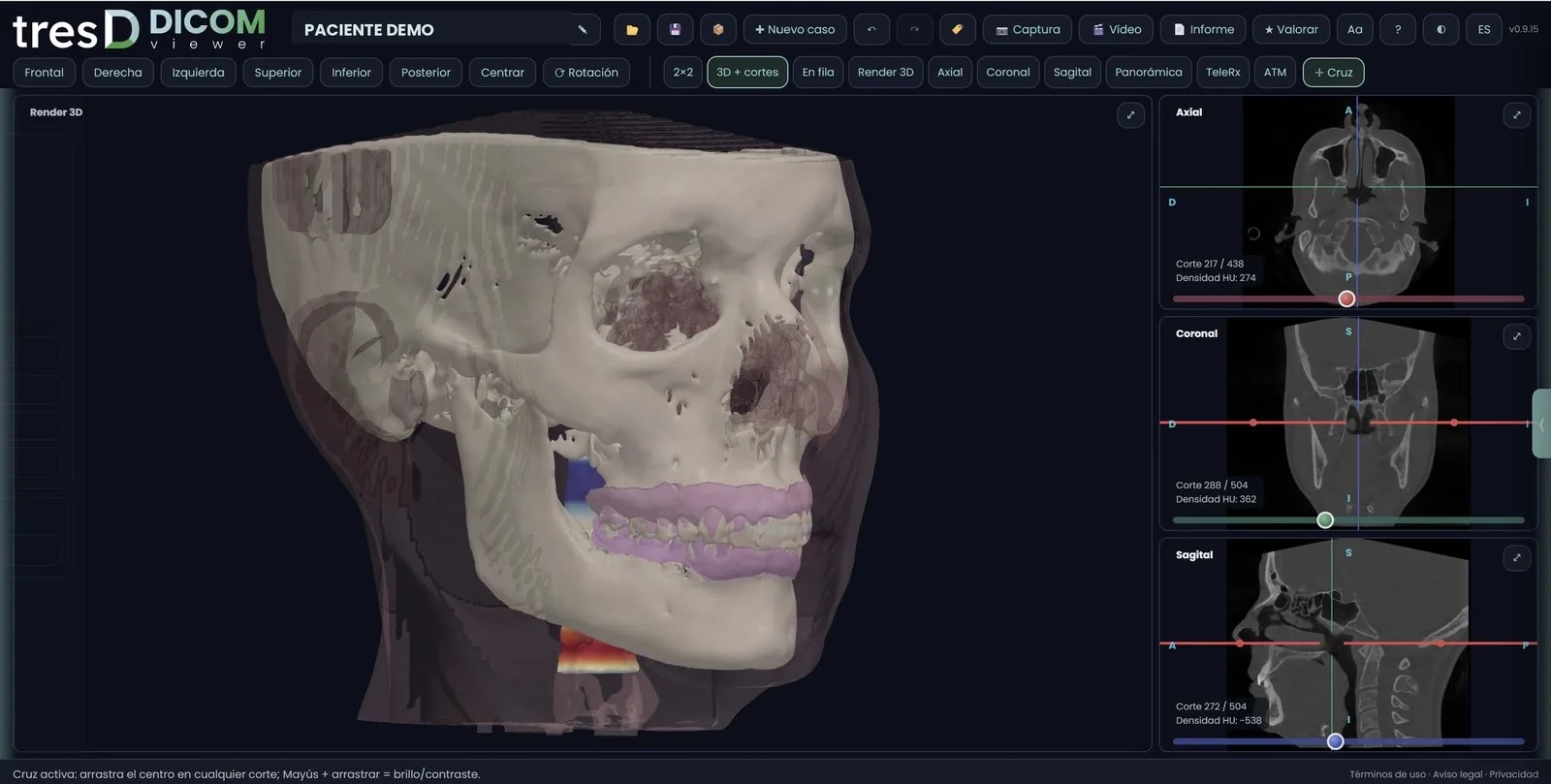
What a .tresdz file contains
It is created by the "Share case" button in tresD DICOM to send a case to another professional. Inside there is:
- The CBCT in DICOM. By default it is anonymised (no name, ID, date of birth or centre) and at a reduced resolution so it is smaller.
- The intraoral scans, already placed on the CBCT.
- Everything done: measurements, panoramic, tooth-by-tooth sections, TMJ, airway, skull orientation and, if there was one, the superimposition with the second CBCT.
- The photos, only if the sender ticked that box: they identify the patient.
Inside it is a ZIP, but there is no need to unzip it: it opens as it is and looks exactly as the sender left it.
Step by step
Save the file on your computer
Download it from the email, WhatsApp or the link where it was sent. Do not unzip it.
Open tresD DICOM
Go to tresddicom.com/app in Chrome, Edge, Safari or Firefox. No sign-up and nothing to install.
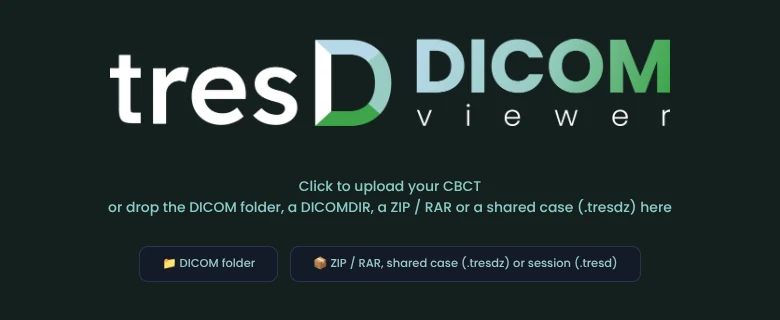
Drag the .tresdz onto the window
You can also click "Upload ZIP / RAR" and choose it. The case opens with the CBCT, the scans and everything that was done.
Keep working
You can measure, see the panoramic or the TMJ, make the PDF report and save it again or send it on with "Share case".
If it does not open
My computer does not know what to open it with
You do not need any program: open it from the browser as in step 3. If you use tresD DICOM often, install it as an app from Chrome or Edge and .tresdz files will open with a double-click.
I unzipped it
Go back to the original .tresdz file and drag it whole. Unzipped, the viewer would only see the images and the measurements and the rest would be lost.
The photos are missing
The sender did not include them: photos identify the patient and only go in if their box is ticked when the package is created.
To send a case yourself
With the case open, click "Share case": the .tresdz is downloaded and the viewer gives you a ready-made message to send with it, so the recipient knows how to open it. A CBCT is health data: share it only with professionals involved in the case or with the patient's consent, through an encrypted channel. Watch the video on saving and sharing a case.
Common questions
Do I need an account or to pay?
No. tresD DICOM is free, with no sign-up and no limit on cases.
Is the case uploaded to the internet?
No. The file is read and opened on your own computer; it is not sent to any server.
What is the difference between .tresd and .tresdz?
A .tresd is only the session (measurements, panoramic, TMJ…) and opens together with the CBCT, which you need separately. A .tresdz carries everything: the CBCT, the scans and the session.
Does it include the patient's name?
Not by default: "Share case" anonymises it unless the sender unticks that box.
Other guides
Try it with your CBCT
Free, no sign-up and nothing to install. Your files never leave your computer.
Open my CBCT now