
Open a CBCT on a Mac with nothing to install
CBCT CDs usually carry a Windows viewer (an .exe) that a Mac cannot open, and current Macs do not even have a CD drive. With tresD DICOM you open the study in Safari or Chrome, with nothing to install and without uploading it anywhere.
Free · nothing to install · your files never leave your computer
Before you start: get the study onto the Mac
💿 On a CD
You need an external USB CD/DVD drive. Copy the whole folder from the CD to the desktop.
🔌 On a USB stick
Copy the whole folder to the desktop before opening it.
🔗 By link or email
WeTransfer, Drive, Dropbox…: download the ZIP. No need to unzip it.
☁️ In iCloud Drive
Make sure it is downloaded (no cloud next to the name): right-click → «Download Now».
What about the program on the CD? The .exe (for example ViewData.exe on Carestream CDs) is a Windows program and does not open on a Mac. You do not need it: the images are in the folders next to it.
Step by step
Open tresD DICOM
Go to tresddicom.com/app with Safari, Chrome, Edge or Firefox. No sign-up and nothing to install.
Drag the folder onto the window
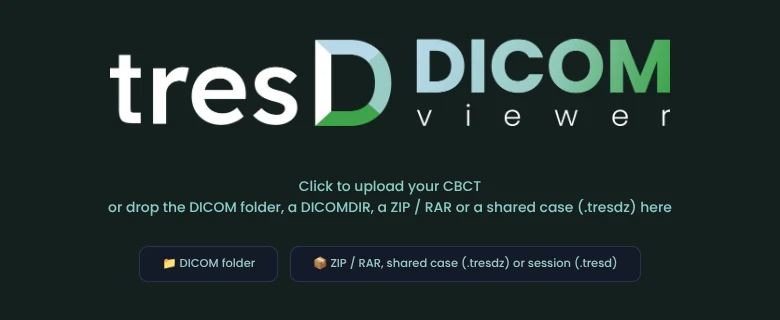
Drag the study folder from the Finder onto the viewer window, or click «📁 DICOM folder» and choose it. If it is a ZIP or RAR, use the button next to it.
Keep the tab in view while it loads
Safari frees the graphics memory of tabs that are not visible. If you switch tabs while a large CBCT is loading, you may have to open it again.
Done
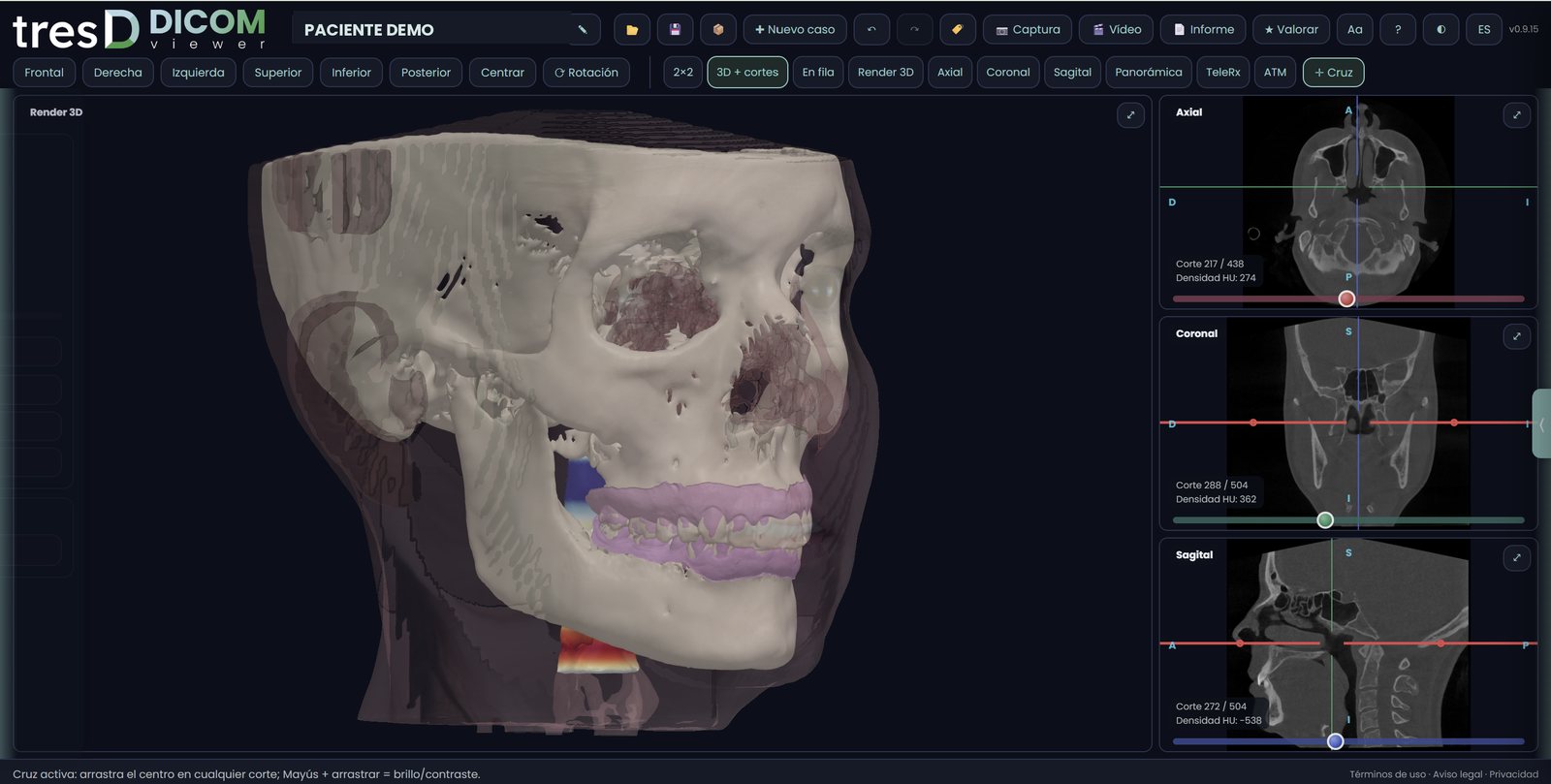
You now have the slices, the 3D render, the panoramic, the TMJ and the rest of the tools, just like on Windows.
If it does not open
It says some files could not be read
This usually happens when reading straight from the CD, an external disk or iCloud without downloading. Copy the folder to the desktop and open it again from there.
«This is not the CBCT» or «You have opened only the DICOMDIR file» appears
You chose the program folder, the CD index or a stray file. Choose the top folder: the viewer finds the images by itself.
The 3D is slow
Close the programs you are not using. 8 GB of memory opens a normal CBCT; for large-field scans, 16 GB is better.
Which Mac you need
Any Mac, with an Intel or Apple processor (M1, M2, M3, M4…), with an up-to-date Safari, Chrome, Edge or Firefox. Some manufacturers have their own Mac viewer (Planmeca has Romexis Viewer), but with tresD DICOM you do not need to install any. It also works on iPad, with the study in a ZIP.
Guides by scanner: Carestream · Planmeca · Morita · Vatech · NewTom · Sirona · i-CAT · Acteon.
Common questions
Do I need OsiriX, Horos or another program?
No. tresD DICOM runs in the browser: nothing to install and no special permissions on the Mac.
Does it work on Macs with Apple chips (M1, M2, M3…)?
Yes, and also on Intel Macs, in Safari, Chrome, Edge or Firefox.
Is the CBCT uploaded to the internet?
No. The files are read and processed on your own Mac; they are not sent to any server.
What about iPad or iPhone?
Yes. Since you cannot choose a folder on iPad and iPhone, the study has to be opened as a ZIP (in the Files app: touch and hold the folder → Compress). On them the CBCT is reduced to fit the device memory.
Is it free?
Yes: no sign-up, no licences and no limit on studies.
Other guides
Try it with your CBCT
Free, no sign-up and nothing to install. Your files never leave your computer.
Open my CBCT now