
Let your clients open the CBCT on any computer
If your centre delivers CBCTs on CD, USB or by download, the viewer that comes with them usually runs only on Windows. tresD DICOM opens them in the browser, on Windows, Mac and Linux, with nothing to install and without uploading the study anywhere. It is free, for your clients too.
Open my CBCT nowFree · nothing to install · your files never leave your computer
What your centre gains
- Fewer "the CD will not open" calls: the study opens on any computer, Mac included, with no administrator rights.
- No change to what you already do: you keep delivering the same DICOM; you only add a line to the email or a QR code to the CD.
- The data never leave your client's computer: the viewer runs in their browser and does not upload the study to any server.
- All brands: Carestream, Planmeca, Morita, Vatech, NewTom, Sirona, i-CAT, KaVo and more, with or without DICOMDIR, as a folder, ZIP or RAR. Guides by scanner.
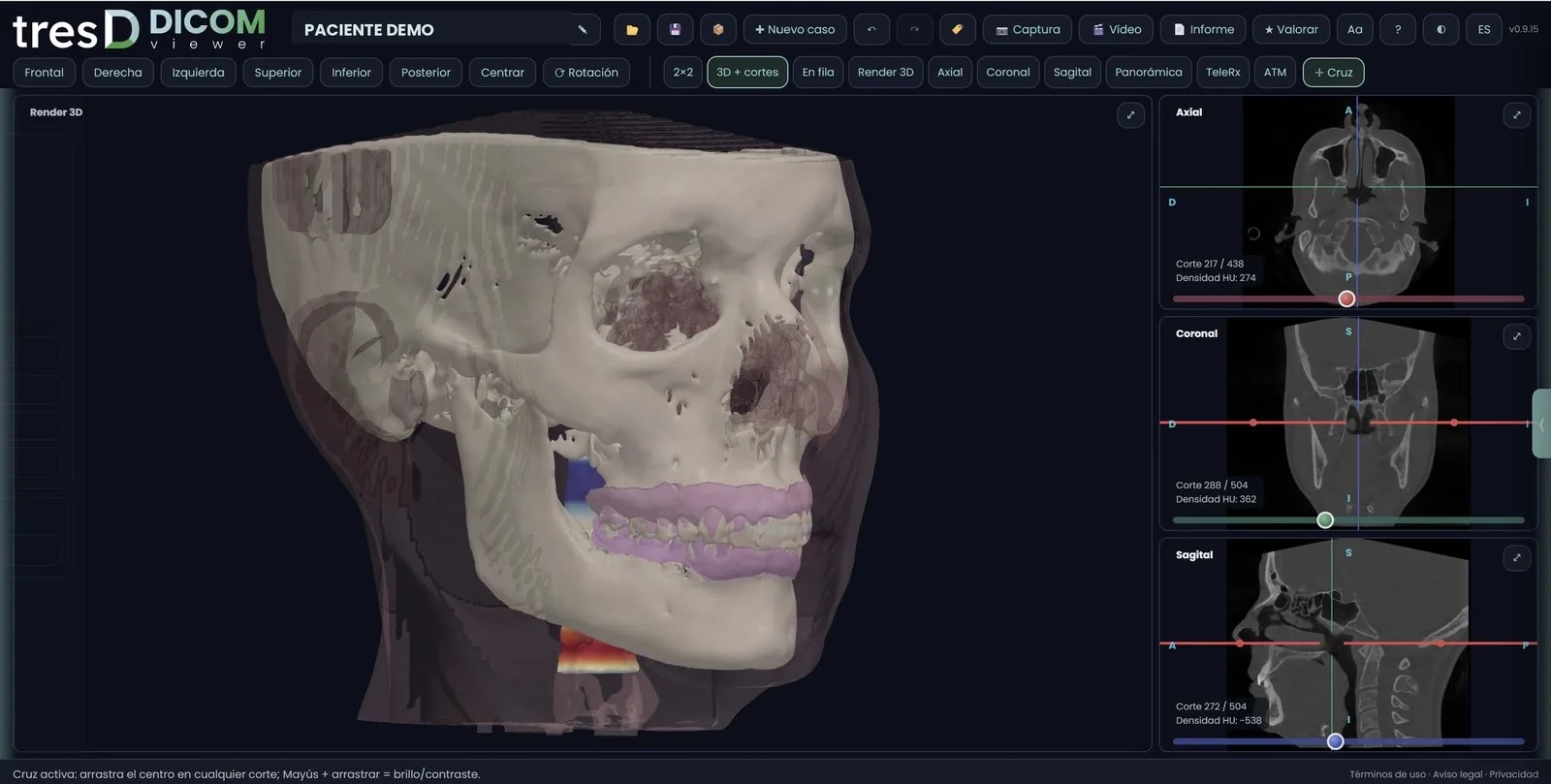
- Your clients can do more with your study: 3D render, panoramic, tooth-by-tooth sections, TMJ, airway, superimposition of two CBCTs and a PDF report, with indicative measurements.
Materials for your deliveries
Free, to print or send with the study:
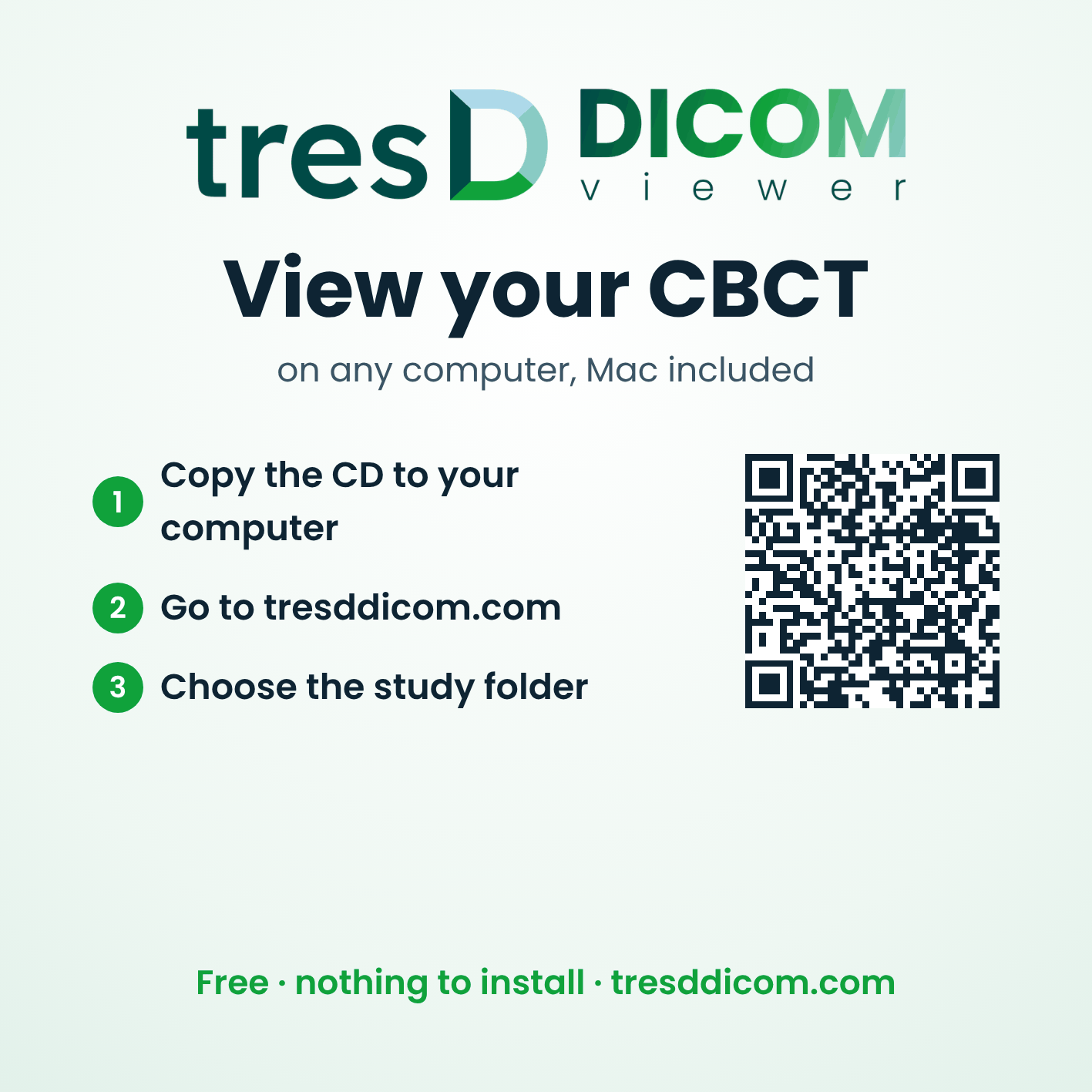
- Client leaflet (PDF, A5): how to open the CBCT in three steps, with the QR code.
- Label for the CD or USB stick (PNG, 12 × 12 cm).
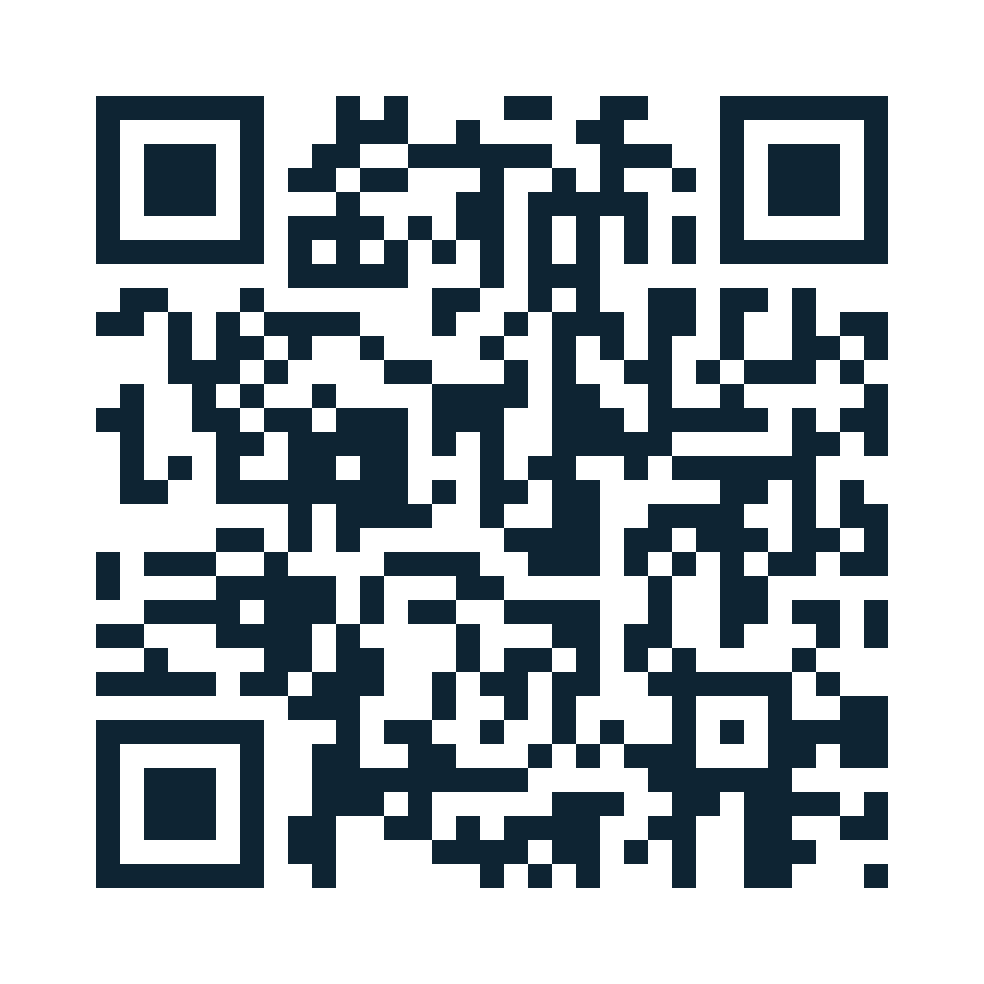
- The QR code alone (PNG).
Text for the delivery email, ready to copy:
You can view your CBCT on any computer, Mac included, with nothing to install: go to tresddicom.com and choose the study folder. It is free and the files never leave your computer.
Step by step
Add a line to the delivery email
The text above, with the link to tresddicom.com. If you deliver by download, add it to the download page too.
Put the QR code on the CD, USB stick or sleeve
The label and the A5 leaflet carry the QR code and the three steps to open the study.
Link to it from your website
On your "how to view your study" page, with the guide for your scanner brand: it explains what is on the CD and which folder to choose.
If it does not open
The client says no images appear
They have almost always chosen the CD program or the DICOMDIR alone: they need to choose the whole folder. The guides by scanner show it with each brand's CD structure.
The study is only in the program's own format
tresD DICOM opens DICOM. Export the volume as DICOM (one file per slice or multiframe, compressed or not) as well as the proprietary format.
A study from your scanners will not open
Write to tresdortodoncia@gmail.com with the brand and model and we will look into it.
Who is behind it
tresD DICOM is developed by Dr Manuel Fernández Cano, an orthodontist in Málaga, Spain (who is behind it), and is used by professionals in more than 105 countries. It is a visualisation and teaching tool: it is not a CE-marked medical device and its measurements are indicative.
Common questions
Does it cost anything, for the centre or its clients?
No. tresD DICOM is free, with no sign-up, no licences and no limit on studies.
Where do the patient data stay?
On your client's computer. The viewer runs in the browser and reads the files right there; it does not send them to any server.
Is it a medical device?
No. It is a visualisation and teaching tool, not CE-marked; its measurements are indicative. Your software and your report remain the reference.
Does it work on an iPad or a phone?
Yes, with the study in a ZIP. It works best on a computer.
Do I have to sign anything or register?
No. Just use the materials on this page or link to tresddicom.com.
Other guides
Try it with your CBCT
Free, no sign-up and nothing to install. Your files never leave your computer.
Open my CBCT now