
A Horos alternative in your browser
Horos is a free, open-source DICOM viewer for Mac, based on OsiriX. If you need to open a CBCT on Windows, Linux, an iPad or a computer where you cannot install software, tresD DICOM is a free alternative that runs in the browser.
Open my CBCT nowFree · nothing to install · your files never leave your computer
How they differ
| Horos | tresD DICOM | |
|---|---|---|
| Where it runs | Mac (macOS) | In the browser: Windows, Mac and Linux; on iPad and phones, with the study in a ZIP |
| Installation | Installed on the Mac | Nothing to install |
| Price | Free and open source | Free, no sign-up |
Horos details from its AlternativeTo listing, in November 2026.
What you can do with tresD DICOM
- View the axial, coronal and sagittal slices and the 3D render, and measure distances and angles.
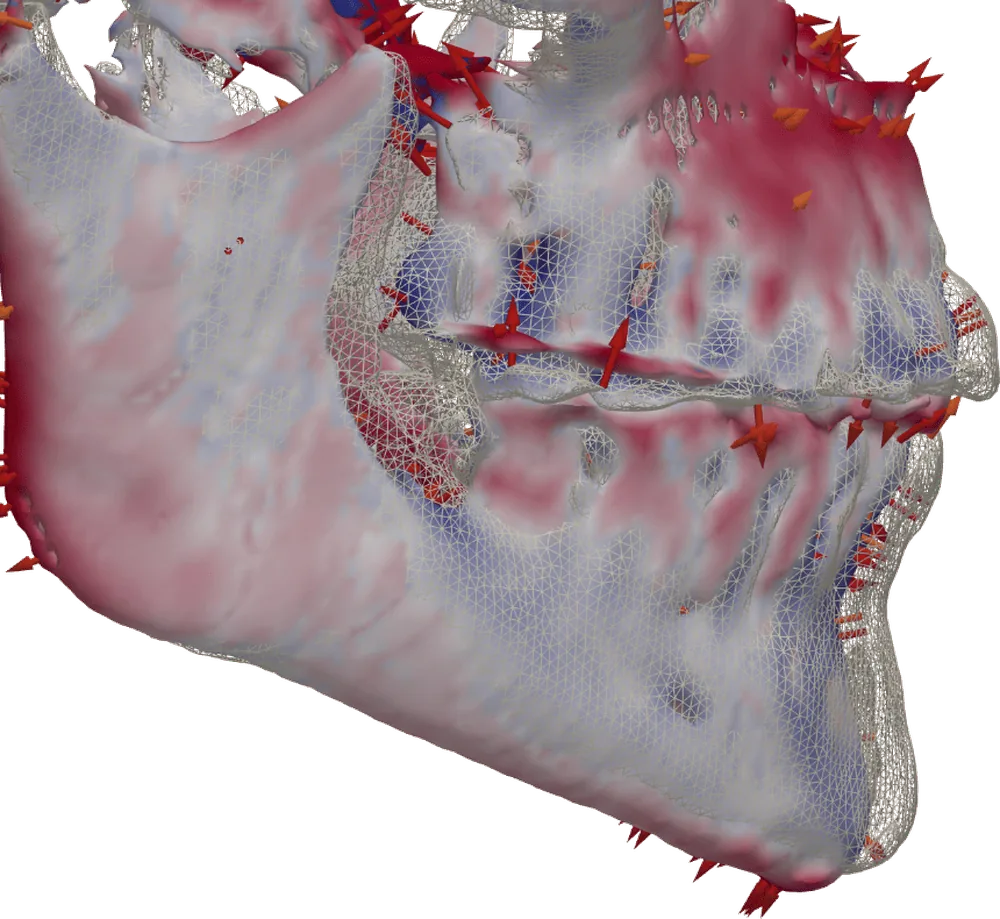
- Get the panoramic with tooth-by-tooth cross-sections, TMJ slices and the airway.
- Superimpose two CBCTs, place intraoral scans and export to STL.
- Everything on your computer: files are never uploaded to a server.
Where it is listed as an alternative
On AlternativeTo, a software directory, tresD DICOM is listed among the Horos alternatives that run in the browser (November 2026).
Which one suits you?
If you work on a Mac and Horos already does the job, there is no need to switch: you can use both. tresD DICOM helps on Windows, Linux or an iPad, on a computer where you cannot install software, or if you want tools designed for dental CBCT, such as the panoramic with tooth-by-tooth cross-sections, the TMJ or the airway.
tresD DICOM is for visualisation and teaching: it is not a medical device and its measurements are indicative.
Step by step
Have the study on your computer
Use the same folder you opened with Horos: the one from the CD, the USB stick or the download. If it is compressed, the ZIP or RAR works as is.
Open tresD DICOM
Go to tresddicom.com/app in Chrome, Edge, Safari or Firefox. No sign-up and nothing to install.
Open the folder or the ZIP
Click «DICOM folder» or «ZIP / RAR», or drag the folder onto the window.
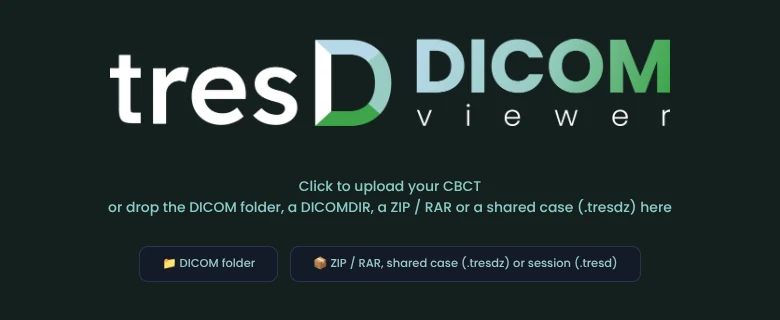
View the slices and the 3D
The slices appear in a few seconds, then the 3D render. Help (the ? button) explains each tool with its video.
If the study does not open
The scanner guides explain which folder to choose for each brand, and how to open a dental CBCT CD or a DCM file or DICOMDIR.
Common questions
Is there Horos for Windows?
Horos is a viewer for macOS. On Windows, Linux or an iPad you can open the study with tresD DICOM in the browser.
Does tresD DICOM also work on a Mac?
Yes, in Safari, Chrome, Edge or Firefox, with nothing to install: how to open a CBCT on a Mac.
Can I use both?
Yes. tresD DICOM installs nothing and changes nothing on your computer: keep using Horos and open tresD DICOM whenever you need it, on the same computer or another one.
What files does tresD DICOM open?
DICOM folders, DICOMDIR, .dcm files, ZIP and RAR, and intraoral scans in STL, PLY and OBJ.
Is it free? Do I need an account?
It is free, with no account and no limit on studies.
Why is tresD DICOM listed as a Horos alternative?
Because software directories such as AlternativeTo list it among the Horos alternatives that run in the browser.
Other alternatives
Try it with your CBCT
Free, no sign-up and nothing to install. Your files never leave your computer.
Open my CBCT now