
Your CBCT on an iPad or a phone
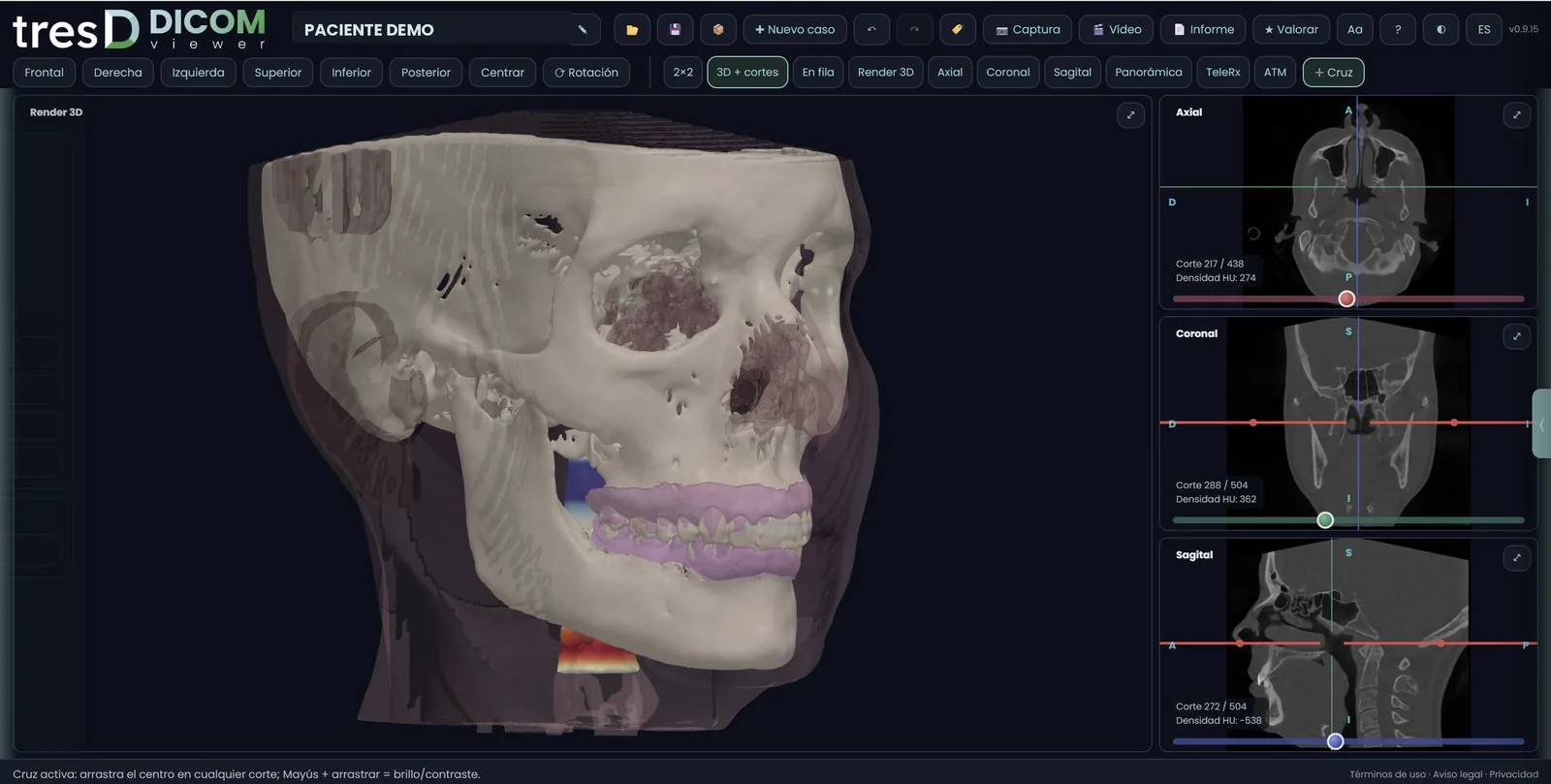
tresD DICOM also works in the browser of the iPad, the iPhone and Android tablets and phones. The only difference: there you cannot choose a whole folder, so the CBCT is opened from a ZIP. No app to install and the study never leaves the device.
Open my CBCT nowFree · nothing to install · your files never leave your computer
Why a ZIP
A CBCT is hundreds of files inside a folder, and Safari or Chrome on phones and tablets only let you choose single files. With the study compressed into a .zip (or a .rar) it opens in one go, without unzipping it. If you choose files that are not the CBCT, the viewer detects it and shows you these same steps.
What changes compared with a computer
- To avoid running out of memory, the volume is reduced when opened (up to 40 million voxels) and the 3D is drawn at 256 per axis. On a computer nothing changes.
- Panels open with their side tabs and slices are scrolled with the slider on the right edge, without a wheel.
- Shared cases (.tresdz) and saved sessions (.tresd) open the same way.
- From the browser menu you can add tresD DICOM to the home screen and open it like an app.
On a Mac, the Mac guide explains how to open the whole folder.
How to do it
Get the CBCT in a ZIP
On an iPad or iPhone: in the Files app, find the CBCT folder (if it shows the cloud icon, tap it first so it downloads), touch and hold it and choose Compress. On Android: use the .zip you were sent or compress it on a computer first.
Open tresD DICOM in the browser
Go to tresddicom.com/app with Safari or Chrome. No sign-up and nothing to install.
Choose the ZIP
On the start screen, tap the «📦 ZIP / RAR» button and choose the .zip file.
Scroll through the slices
With the slider on the right edge of each slice. Panels open by tapping their side tabs.
Watch it on video
Common questions
Do I need to install an app?
No. It works in Safari and Chrome. If you like, add it to the home screen from the browser menu.
Why can’t I choose the folder on an iPad?
Because browsers on iPad, iPhone and Android only let you choose single files, not folders. That is why the CBCT is opened compressed in a ZIP.
Does it look the same as on a computer?
Almost: to fit in the device memory, the volume is reduced when opened and the 3D is somewhat lighter. For the finest work, a computer is better.
Is the CBCT uploaded to the internet?
No. The ZIP is read and unzipped on the device itself.
Other features
Try it with your CBCT
Free, no sign-up and nothing to install. Your files never leave your computer.
Open my CBCT now