
Open a Orthophos SL 3D CBCT
Orthophos SL 3D studies are exported as DICOM and come with the manufacturer's program (Sidexis 4). With tresD DICOM you open them in your browser, on Windows, Mac or Linux, without installing that program and without uploading the study anywhere. Here is its data sheet, what each field of view shows and how to open it.
Open my CBCT nowFree · nothing to install · your files never leave your computer
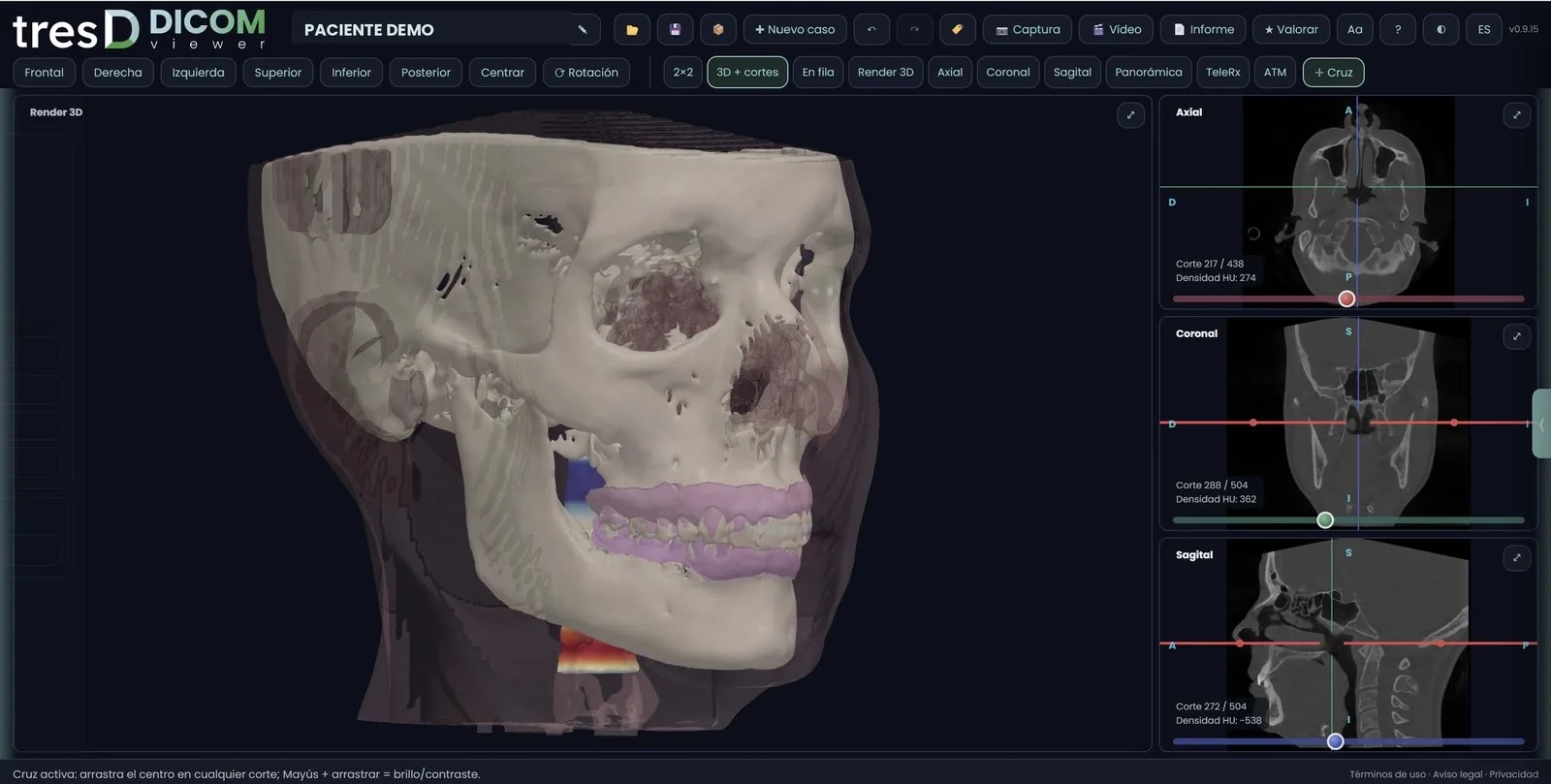
Orthophos SL 3D at a glance
| Fields of view (diameter × height) | Ø5 × 5.5, Ø8 × 8 and Ø11 × 10 cm |
|---|---|
| Voxel | Down to 80 µm (HD mode) |
| Manufacturer's program | Sidexis 4: according to the manufacturer, its X-ray units work exclusively with Sidexis 4 |
Source: Dentsply Sirona website (archived Orthophos SL page), checked in November 2026.
What each field of view shows
With fields of up to Ø11 × 10 cm you get one or a few teeth, or the arches: the slices, the 3D render, the panoramic of what is in the field, the tooth-by-tooth sections and the intraoral scans placed on the CBCT. Both TMJs, the whole airway, the vertebrae and the simulated cephalogram need a larger field: if they are not in the scan, tresD DICOM tells you the field is small.
What the manufacturer highlights
According to Dentsply Sirona, the Orthophos SL 3D has a low-dose 3D mode in the dose range of a 2D X-ray, an HD mode, a Direct Conversion Sensor (DCS), autofocus panoramic imaging (Sharp Layer) and an optional left or right ceph arm; the Orthophos SL 2D and S 2D can be upgraded to 3D.
Step by step
Copy the CD or USB stick to your computer
The whole folder, for example to the desktop. Reading straight from the CD is slow and, with large CBCTs, can fail halfway through.
Open tresD DICOM
Go to tresddicom.com/app in Chrome, Edge, Safari or Firefox. No sign-up and nothing to install.
Choose the whole folder
Click "Upload DICOM folder" and choose the top folder, not the Sidexis 4 program or the DICOMDIR on its own. If it was sent as a ZIP or RAR, use "Upload ZIP / RAR": no need to unzip it.
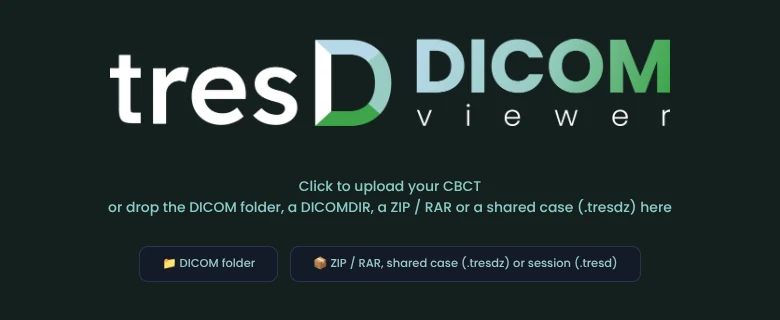
Wait for it to load
The slices appear while the files arrive. If the volume is very large, the 3D render is reduced automatically; the panoramic, the TMJ and the tooth-by-tooth sections are read at the original resolution.
If it does not open
It says "This is not the CBCT"
You chose the program folder or a single file (the index, an installer). Open again and choose the top folder.
It finds no DICOM images
The study is only in the program's own format. Ask the clinic or centre to export it as DICOM from Sidexis 4.
More about Dentsply Sirona
What is on a Dentsply Sirona CD or USB stick and which folder to choose: Dentsply Sirona guide. With the CBCT open you get the slices, the 3D render, the panoramic, tooth-by-tooth sections, the TMJ, the airway, the simulated cephalogram, the superimposition of two CBCTs and a PDF report. All measurements are indicative. See all features.
Common questions
Do I need Sidexis 4 or Windows?
No. tresD DICOM runs in the browser, on Windows, Mac and Linux, and also on iPad with the study in a ZIP.
Is it shown at the Orthophos SL 3D's resolution?
Yes. The slices are read as they come; with very large volumes only the 3D render is reduced, and the panoramic, the TMJ and the tooth-by-tooth sections use the original resolution.
Is the CBCT uploaded to the internet?
No. The files are read and processed on your own computer; they are not sent to any server.
Is it free?
Yes: no sign-up, no licences and no limit on studies.
Sirona guide
Other models
Try it with your CBCT
Free, no sign-up and nothing to install. Your files never leave your computer.
Open my CBCT now